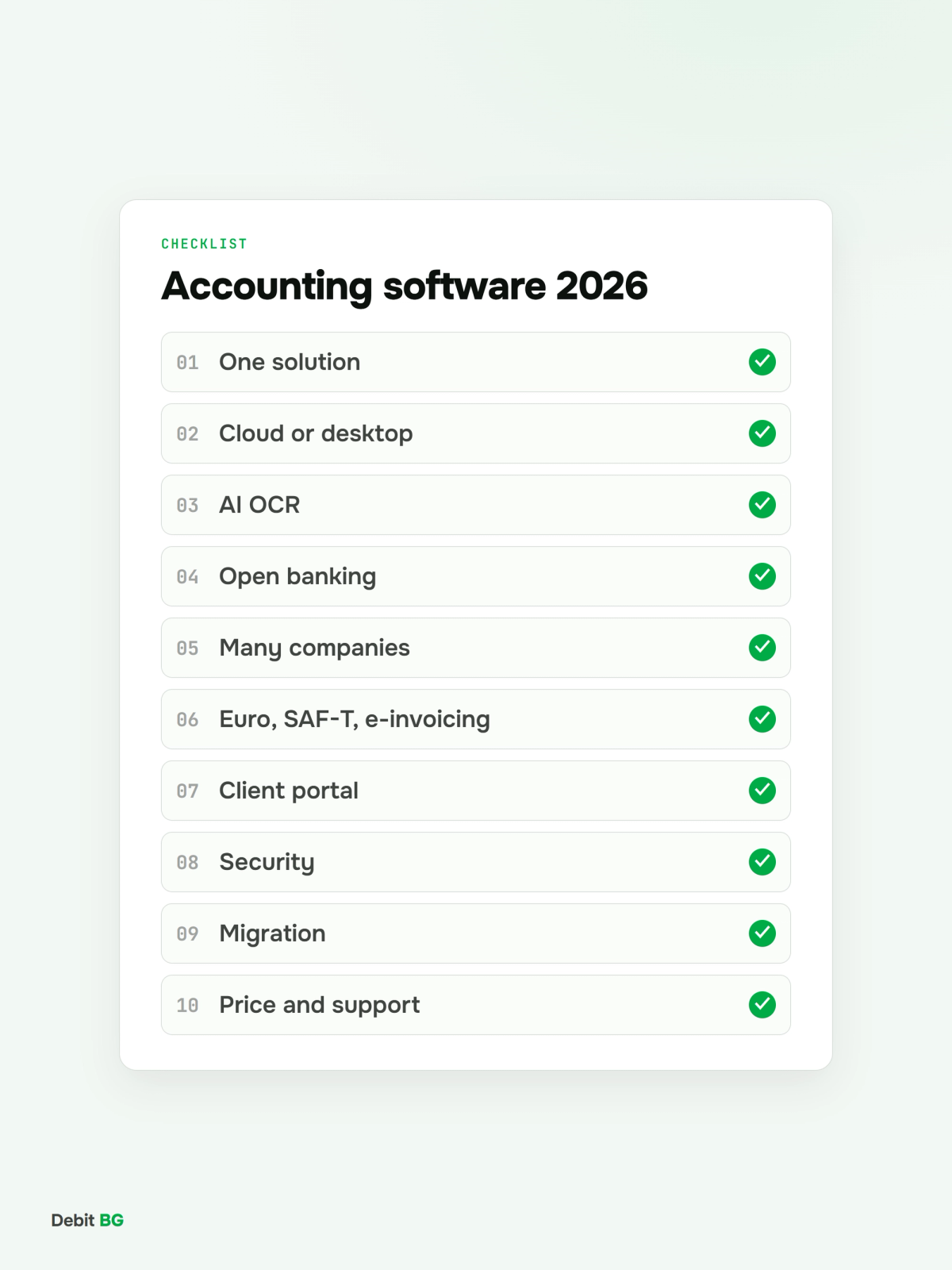
Accounting software for an accounting firm is the system where the team processes documents, bank transactions, VAT, payroll and reports for all of its clients. In Bulgaria, 2026 changed the choice more than the previous ten years did: the euro became the reporting currency, SAF-T is already mandatory for the first companies, and mandatory e-invoicing is proposed from 2028. A program that was good enough for typing in paper invoices is no longer enough. Here are 10 criteria to compare, and how to test each one in practice.
Current as of 13 November 2026.
Short answer
The best accounting software for an accounting firm in 2026 is one that: collects clients' documents and bank data automatically; reads invoices with AI rather than templates; serves many companies from one place with an audit trail; is ready for the euro, SAF-T and e-invoicing; keeps data in the EU; and gives clients access to their own numbers. Test this with a pilot on a real client's documents, not just a demo.
1. One solution or several connected programs
Many firms run a chain: one program for bookkeeping, another for payroll, a third for reading documents, Excel for reports and email for talking to clients. Every link in the chain is a place where data gets copied, lost or out of sync.
What to ask: How many programs will the team use for one month of one client, from receiving documents to filing VAT? How many times is the same invoice entered or transferred?
2. Cloud or desktop
- Access. Desktop: from the computer it is installed on, or via remote access. Cloud: from a browser, anywhere.
- Updates. Desktop: you install them, sometimes on every computer. Cloud: the vendor ships them to everyone at once, including legal changes.
- Backups. Desktop: your responsibility. Cloud: the vendor's; check how often and where copies are kept.
- Teamwork. Desktop: often locks a database or company. Cloud: several people work at the same time.
- Client access. Desktop: usually none. Cloud: a client portal is possible.
- Working offline. Desktop: yes. Cloud: no.
Desktop software has its place, especially in firms with long-established processes. But the legal changes of the past two years have shown the cost of manual updates on every workstation.
3. Automatic document entry: AI OCR vs templates
Typing invoices by hand is the biggest time sink in an accounting firm. Traditional OCR works with templates and zones and breaks as soon as a supplier changes its layout. AI OCR understands a document by meaning and reads invoices, notes and customs declarations without setup.
What to ask: Are templates needed for new suppliers? What happens with a poor phone photo? Does the system learn from the team's corrections?
4. Bank data: open banking or manual upload
Most programs still require bank statements to be downloaded from the client's online banking and uploaded by hand, in a format specific to each bank. Open banking under the PSD2 directive lets transactions arrive automatically, every day, after a one-time consent from the client.
What to ask: Which banks are supported automatically and which only by file? How often are transactions refreshed? Are payments matched to invoices automatically?
5. Working with many companies
An accounting firm does not keep the books of one company but of dozens or hundreds. The software has to show on one dashboard which clients are waiting for documents, which have unreconciled bank payments and which are ready for VAT.
What to ask: Is there one dashboard for all companies? Can a staff member be given access to certain clients only? Is there an audit trail of who changed what?
6. Regulatory readiness: euro, SAF-T, e-invoicing
Three changes shape the coming years:
- The euro: 2026 is the first year closed in euro, and the 2026 statements need 2025 comparatives restated in euro. More in The first year-end in euro.
- SAF-T: mandatory for the largest companies from 2026 and, in stages, for almost all VAT-registered companies by 2030.
- E-invoicing: the government proposes mandatory structured e-invoices for domestic supplies from 1 January 2028. More in SAF-T and e-invoicing by 2028.
What to ask: When did the vendor ship the euro update? Is there a roadmap for SAF-T and e-invoicing with concrete dates?
7. Client portal
A business owner wants to know the month's revenue, costs, profit and VAT without calling the accountant. A portal where clients upload their documents and see their own numbers cuts calls and emails and makes the firm's work visible.
What to ask: Can clients upload documents themselves, by email or from their phone? What do they see, and what stays internal to the firm?
8. Security and data protection
Accounting data is among the most sensitive data a company has.
What to ask: Where is the data physically hosted, and is it in the EU? Is there two-factor authentication? How often are backups made and where are they kept? Is there a GDPR data processing agreement? Is there a certificate such as ISO/IEC 27001 or an independent security report?
9. Migration and data export
Switching software looks scary mainly because of opening balances and history. A good vendor helps move the chart of accounts, counterparties and balances, and does not lock your data in.
What to ask: How are opening balances and open items per counterparty transferred? Can I export all my data in a standard format if I decide to leave?
10. Pricing model and support
Pricing is built in very different ways: per company, per document, per user, or a one-off licence plus annual maintenance. Compare the total cost for your real volume together with the time the team saves, not just the subscription price.
What to ask: What is the price for my number of companies and documents? Are updates for legal changes included? Is there support in Bulgarian, and how fast does it respond?
How to test accounting software in 5 steps
- Pick one real client of average complexity: 50 to 200 documents a month and at least two bank accounts.
- Run one month in parallel in your current and the new system.
- Measure the time from receiving documents to a finished VAT return in both systems.
- Compare the output: VAT ledgers, trial balance, bank balances. Every difference needs an explanation.
- Ask the team, not just the manager. They will use the system every day.
How Debit BG helps
Debit BG is a complete accounting solution for accounting firms. Client documents arrive by email or through the client portal and are read with AI OCR. Bank transactions arrive automatically through licensed open banking infrastructure that covers all major banks in Bulgaria. Everything is booked in one system with one dashboard for all companies and a full audit trail, and clients see their own numbers in the portal. If the firm works with MicroInvest, the data goes there in one click.
Test Debit BG on a real client
Show us one client's documents and bank data and see how Debit BG reads, books and reconciles them in one system.
Book a demo →Frequently asked questions
What is the best accounting software for an accounting firm in Bulgaria?
There is no single answer for every firm. For 2026 the most important criteria are automatic document entry with AI, automatic bank data through open banking, working with many companies from one dashboard, and readiness for the euro, SAF-T and e-invoicing. Test at least two systems on a real client's documents.
Should I choose cloud or desktop accounting software?
Cloud software gives access from anywhere, simultaneous teamwork, automatic updates for legal changes and the option of a client portal. Desktop software works offline, but updates and backups are your responsibility.
What is AI OCR in accounting software?
AI OCR is document reading with artificial intelligence that recognises invoice fields by meaning rather than position. Unlike template OCR, it handles new layouts without setup and learns from the team's corrections.
What is open banking and why does it matter for accounting?
Open banking, introduced by the PSD2 directive, lets licensed providers receive bank transactions directly from the bank with the client's consent. For accounting it means daily, complete bank data without downloading and uploading statements by hand.
How long does it take to switch accounting software?
It depends on the number of companies and how much history you move. A practical approach is to start with one client, run one month in parallel and migrate the rest in groups at the start of a new reporting period.
Does accounting software need to produce SAF-T?
If one of your clients is in SAF-T scope, the file has to be generated from the accounting data. It is easiest when the software exports validated SAF-T XML directly. Almost all VAT-registered companies in Bulgaria come into scope by 2030.